Palm Court Apartments
Building units
Floor 4
4Aoccupied
4BSelected
4Coccupied
Floor 3
3ANeeds attention
3Boccupied
3Coccupied
Floor 2
2Aoccupied
2Bavailable
2Coccupied
Floor 1
1Aoccupied
1Boccupied
1Cavailable
Occupied Available Needs attention


Run rent, leases, maintenance, payouts, and property records from one operating system.
Explore Rent Collection →Built for the way different property portfolios are actually managed.
Explore Apartment Buildings →

Keep units, availability and tenancy activity connected in one building view.
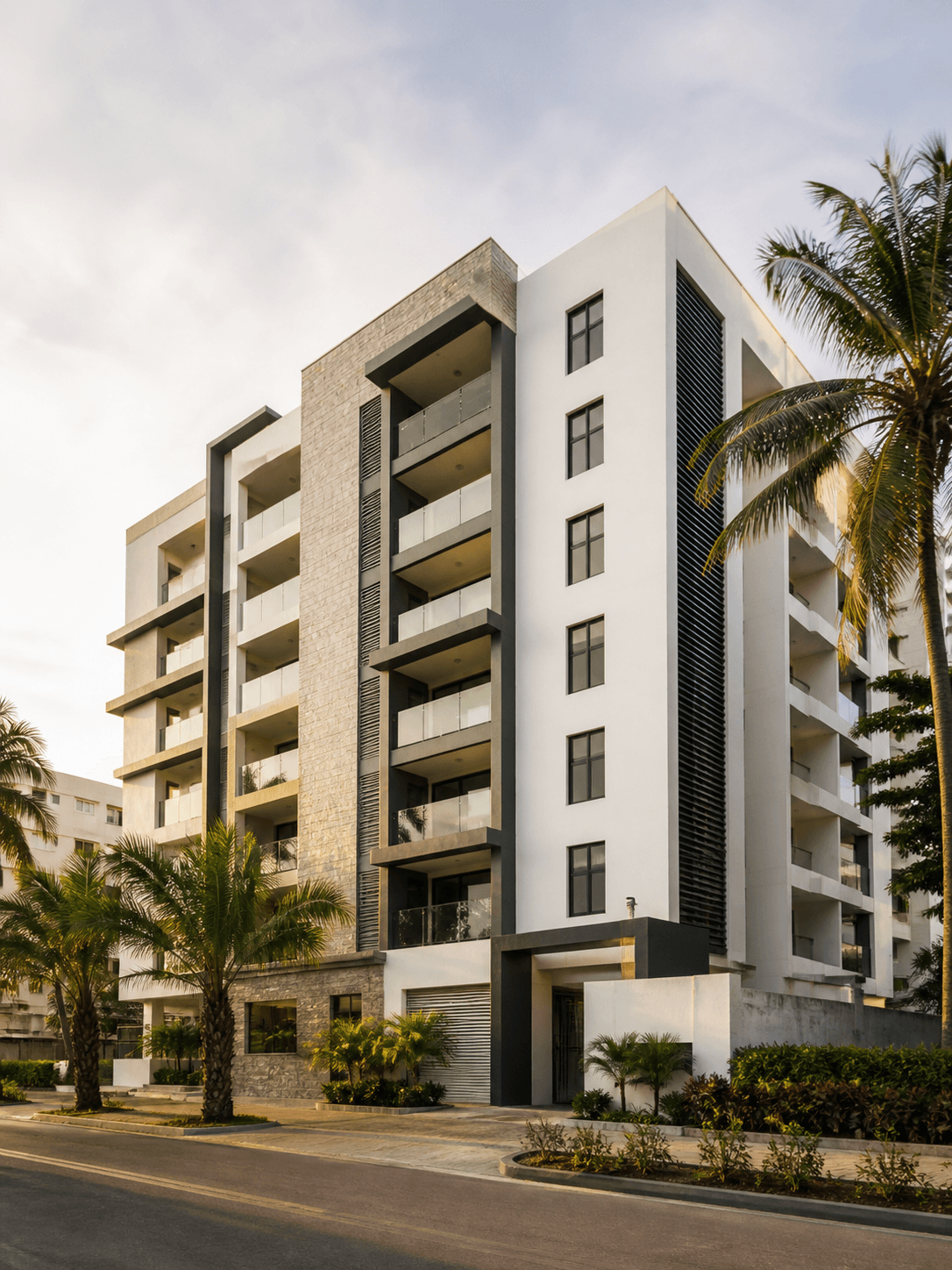
Building overview
Residential · 12 apartments
Occupied
10
Available
2
See what is occupied, available or needs attention, then open the apartment you need.
Units
12
Occupied
10
Available
2
Palm Court Apartments
Building units
Floor 4
Floor 3
Floor 2
Floor 1
Follow each unit from availability through application and into an active tenancy.
Available
Vacant · ready to let
Application
Apartment 2B · screening complete
Tenancy
Amina · Apartment 2B
Tenancy in place
See how many units are occupied or available, what needs attention and the current state of the building at a glance.
Yes. Open any unit to see the information and activity that matters for that apartment.
Available units are clearly identified, making it easy to see where there is space for a new tenancy.
Yes. Rent and service-charge information stays easy to find for each unit.
Yes. See a unit move from available, through application, and into an active tenancy.
Yes. See which units have maintenance requests and where attention is needed across the building.
Clear across every unit.
See what’s happening across every unit, then act where it matters.